ONLINE MENU

with AI assistant
via QR code

See how it works!
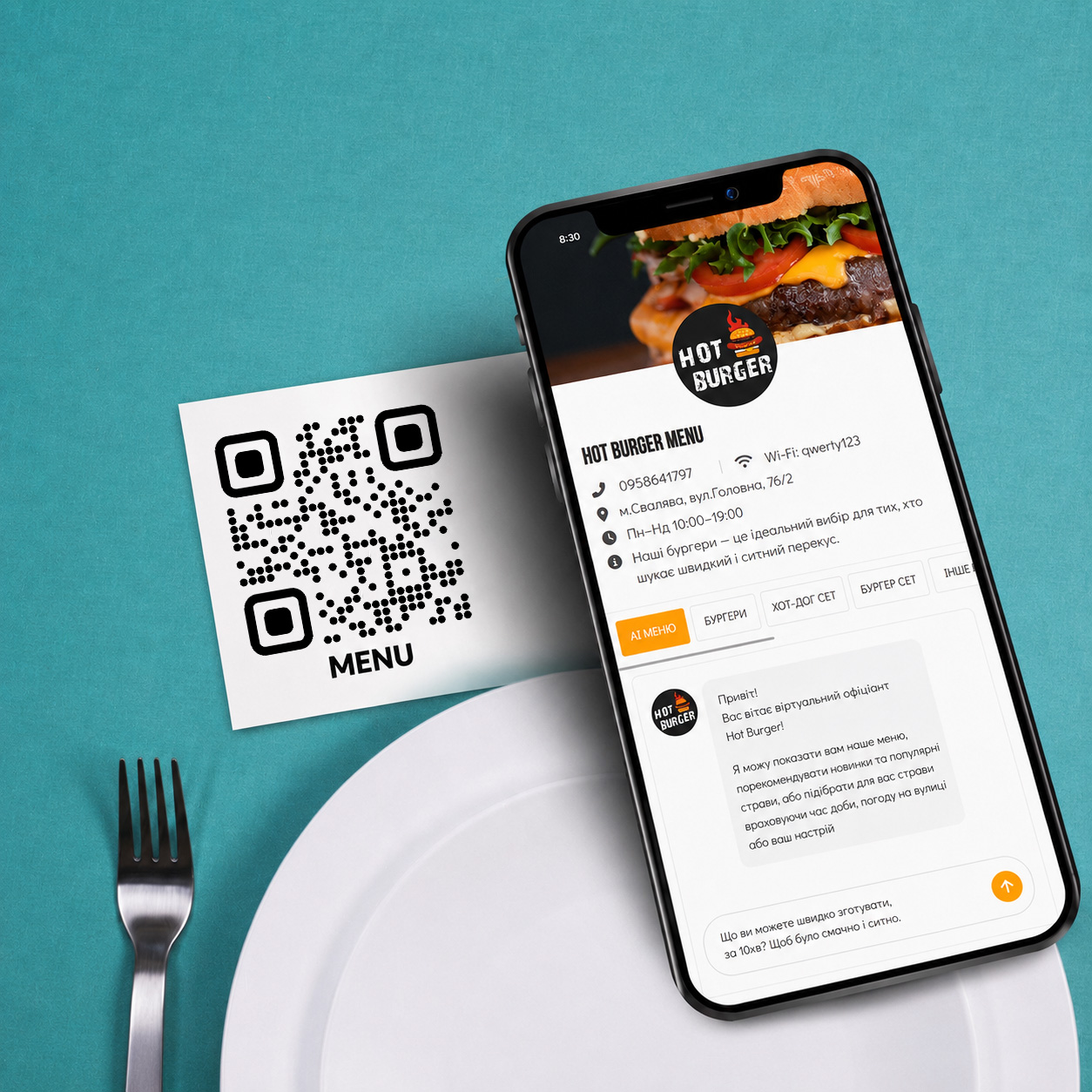
Scan the QR code with your phone's camera and explore a live demo of an online menu with an AI waiter.

QR code
QR menu

Why?

For your business, it's more than just a QR menu—it's a digital assistant for your restaurant. Update your menu anytime without reprinting, while the AI waiter helps guests discover dishes, recommends menu items, and answers common questions.

For your guests, it's a modern and convenient way to explore your menu. Simply scan the QR code to open the menu on a smartphone, browse dishes, receive AI-powered recommendations, and quickly find useful information about your restaurant.

Less waiting, a better guest experience, and a modern service that helps your restaurant stand out from the competition.
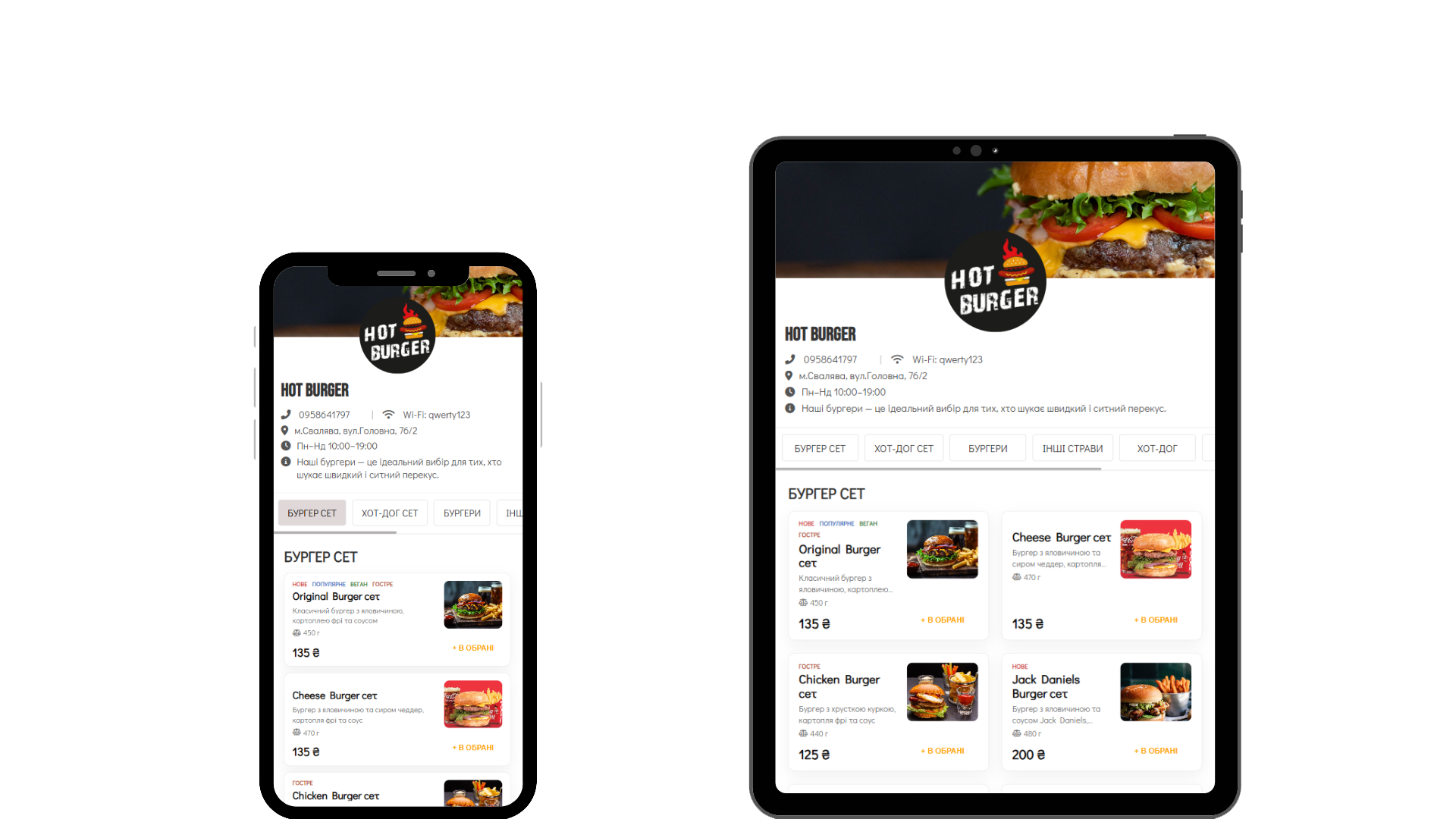
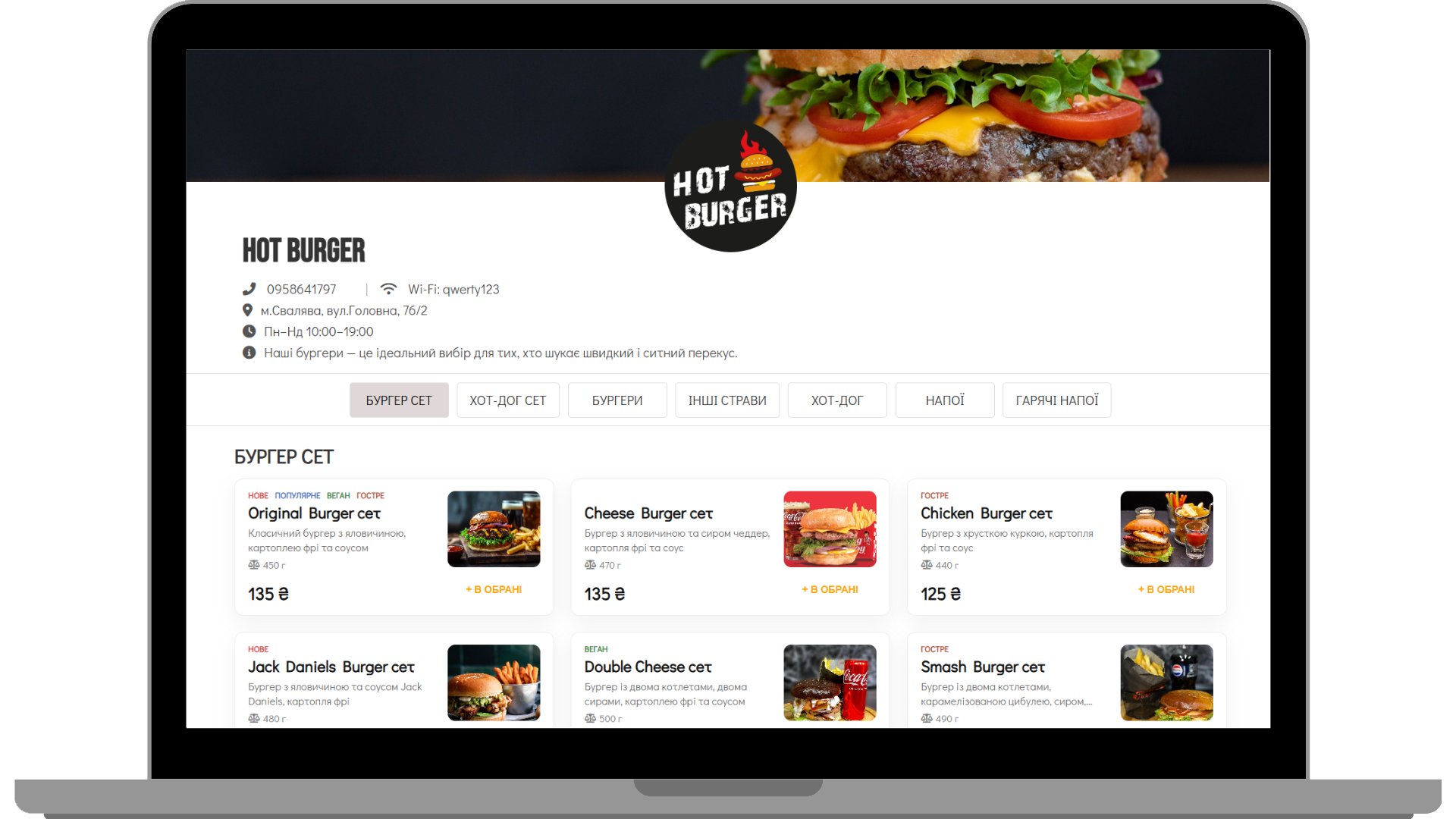
Phone and tablet Laptop

Development Pricing

Basic Single-Page Text Menu

$35/year
30-day free trial
What’s included:
  • Access via QR code
  • Responsive menu for all devices
  • Easy menu editing
  • Hide menu items in one click
  • Hosting and domain for 1 year

Interactive Menu with Photos

$45/year
30-day free trial
What’s included:
  • Access via QR code
  • Responsive menu for all devices
  • Favorites feature
  • Easy menu editing
  • Hide menu items in one click
  • Hosting and domain for 1 year

AI-Powered Menu

$70/year
30-day free trial
What’s included:
  • Access via QR code
  • Responsive menu for all devices
  • Text and interactive menu
  • Virtual waiter that increases average order value through personalized recommendations
  • Hosting and domain for 1 year

Some of our clients

Let's take a closer look...

How does the online menu work?

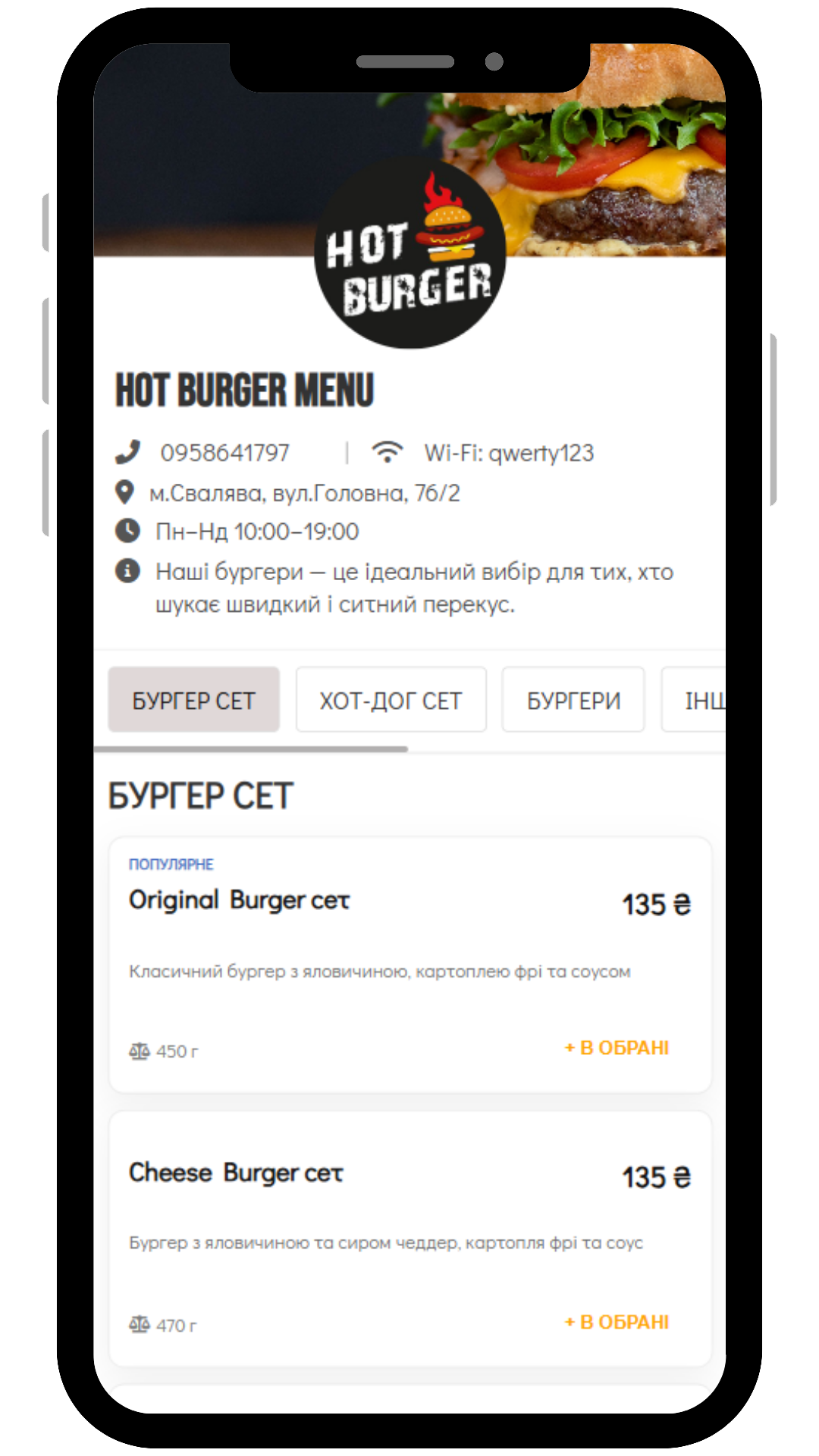
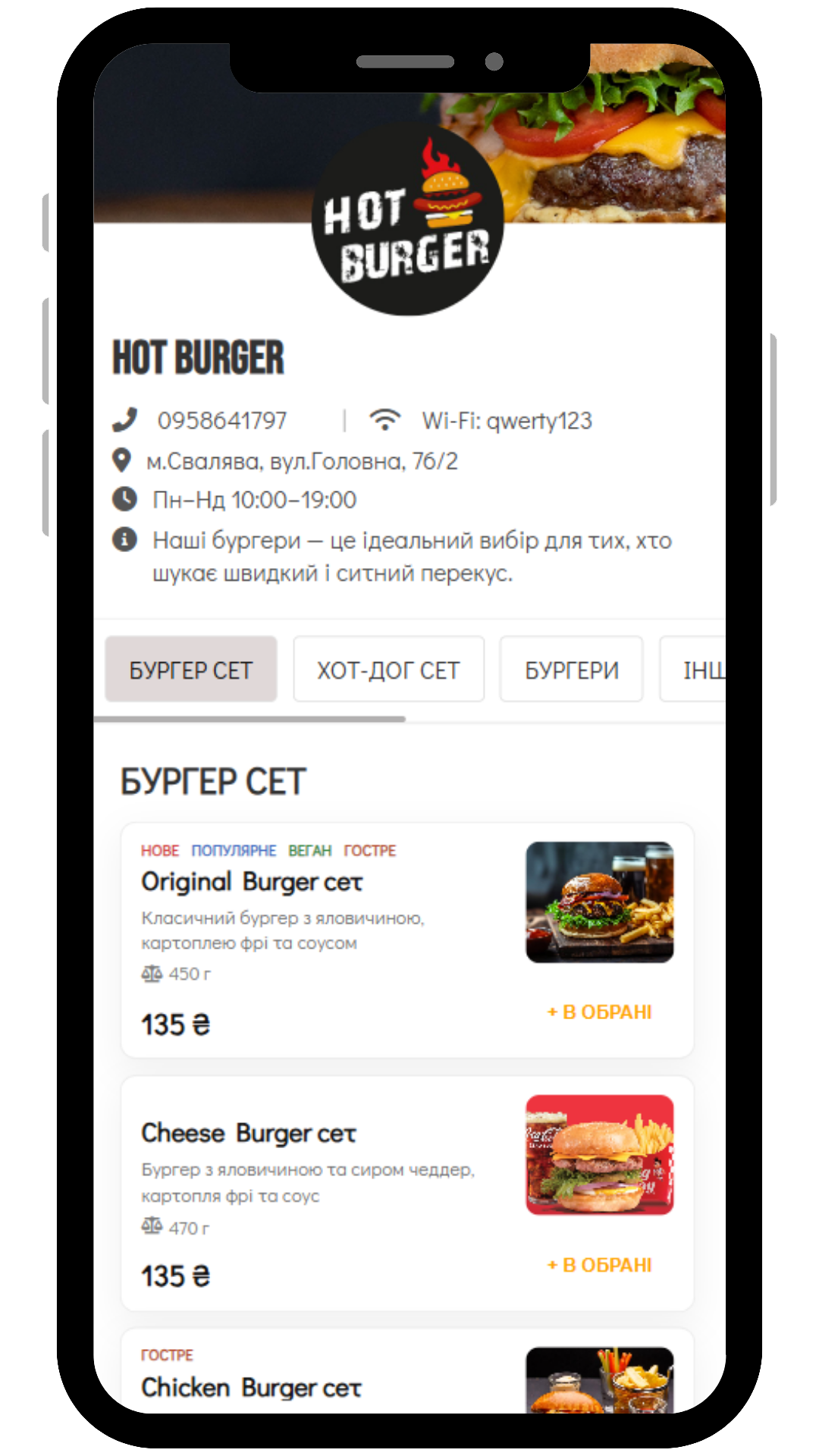
Guests scan a QR code or open a direct link to access your menu on their smartphone. They can browse dishes, view photos and descriptions, discover new and popular items, receive recommendations from the AI waiter, and save their favorite menu items.

The online menu also provides useful information about your restaurant, including the address, opening hours, contact details, Wi-Fi password, social media links, and more. Guests can also ask the AI waiter questions and receive instant answers.

Do guests need to install an app?

No. The menu opens instantly in any web browser after scanning the QR code. Guests don't need to install an app or create an account. They can immediately browse the menu, use the AI waiter, and receive recommendations. The menu is fully responsive and works perfectly on smartphones, tablets, and laptops.

Can I update menu prices and items in real time?

Yes. You can update prices, add new dishes, edit descriptions, upload photos, or temporarily hide unavailable items at any time. All changes appear instantly for your guests. The AI waiter automatically uses the latest menu information, ensuring guests always receive up-to-date recommendations.

What is the AI waiter?

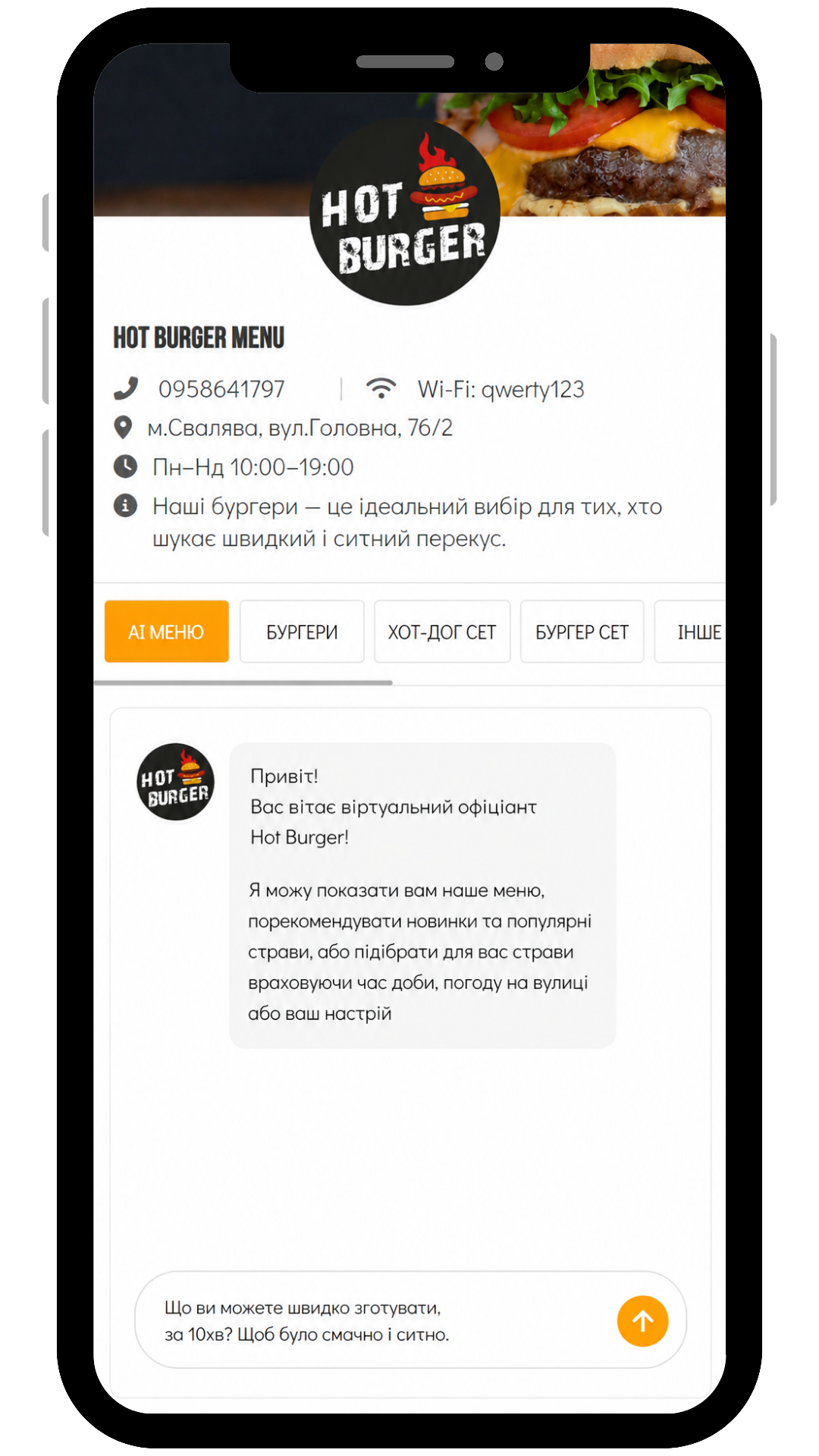
The AI waiter is an intelligent assistant that helps guests navigate your menu. It can recommend dishes, help guests find menu items, highlight new and popular dishes, and answer common questions about your restaurant.

What kinds of questions can the AI waiter answer?

Guests can ask questions about your menu and restaurant. The AI waiter can help them find dishes, recommend menu items, highlight new and popular dishes, and answer common questions such as opening hours, the Wi-Fi password, or how to find the restroom.

Can I control what the AI waiter recommends?

Yes. You have full control over the AI waiter's recommendations. Simply enable the appropriate options for your menu items in the administration panel, and the AI waiter will automatically use them when interacting with your guests. No complicated setup or programming required.

What are Favorites?

The Favorites feature lets guests save menu items while browsing. They can then show or read the list to a waiter when placing their order. This makes the ordering process faster and more convenient for both guests and restaurant staff.

I already have a printed menu. Why should I switch to an online menu?

An online menu is always up to date. You can change prices, add new dishes, hide temporarily unavailable items, and update information without reprinting your menus.

Unlike a printed menu, guests can also interact with the AI waiter. It helps them find dishes, recommends menu items, and answers common questions about your restaurant.

Lower printing costs, a modern guest experience, and an AI assistant that makes exploring your menu faster and easier.

Can I edit the menu myself?

Yes. You can manage your menu anytime: update prices, add new dishes, upload photos, edit descriptions, and configure your restaurant settings. All changes become available to your guests instantly, and the AI waiter automatically uses the updated information. The administration panel is simple and intuitive, making it easy to manage even from a smartphone.

I already use a QR code that opens a PDF menu. How is Restiq different?

A PDF is a static document. Restiq is an interactive online menu that can be updated instantly without creating and uploading new files.

Guests can browse photos, descriptions, new and popular dishes, and interact with the AI waiter, which helps them discover and choose menu items.

The menu opens directly in a web browser without downloading PDF files, making it faster and more convenient for guests.

Any changes to your menu—new dishes, prices, photos, or descriptions—are updated instantly and become immediately available to your guests.

Can I try Restiq for free first?

Yes. You can use Restiq free of charge for 30 days and explore all of its features, including the AI menu and AI waiter. This gives you plenty of time to evaluate the system and decide whether it's the right solution for your restaurant. If you have any questions, our team is always happy to help.

How do I get started?

Getting started is easy. Fill out the form on our website to receive a free 30-day trial of Restiq. We'll help you set up your menu, answer your questions, and guide you through the first steps.

Contacts

[email protected]

+38 (095) 864-17-97

Try for free